Abstract Polyverse lets you organize, process, share, and collaborate on 3D assets and materials on a platform built for 3D from the ground up. This article explains how to upload your InstaMAT projects to Polyverse directly from InstaMAT Studio.
¶ Uploading a Material to Polyverse
To upload a material created with either the Element Graph, Materialize Image, or Material Layering project type:
- Open the package (.IMP file) in InstaMAT Studio.
- In the Package Management panel, double-click the project you would like to upload to open it.
- Click
Share to Polyverse, thenExport as 3D Material.... Or from the main menu, go toFile>Export to Polyverse...>Export as 3D Material....
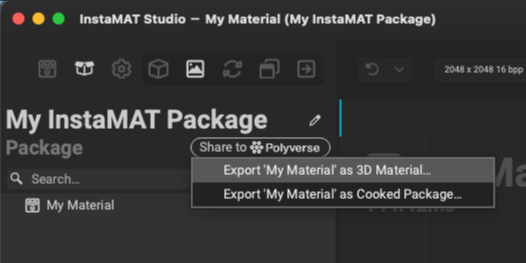
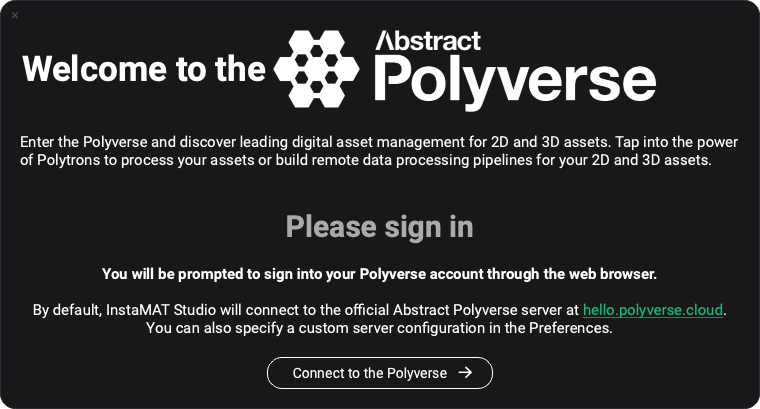
- If you are currently not signed into Abstract Polyverse, InstaMAT will prompt you to connect and sign in.
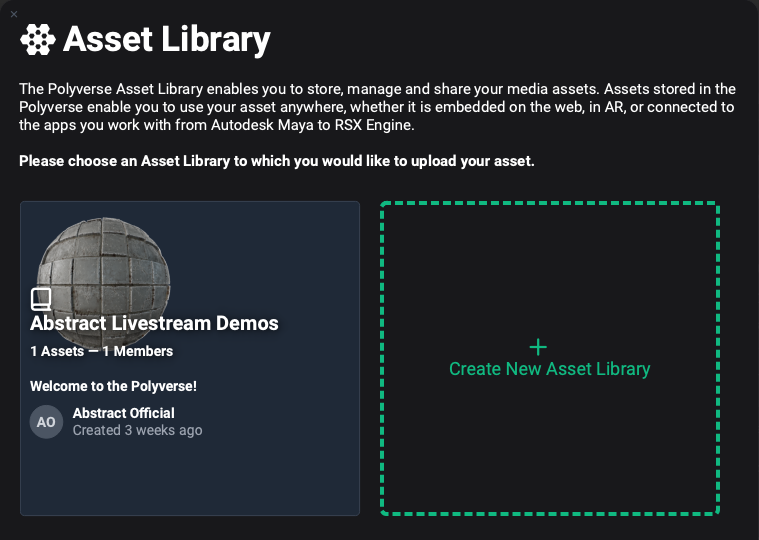
- Once you are signed in and connected, a list of available Polyverse Asset Libraries will appear. Select a library, or create a new one.
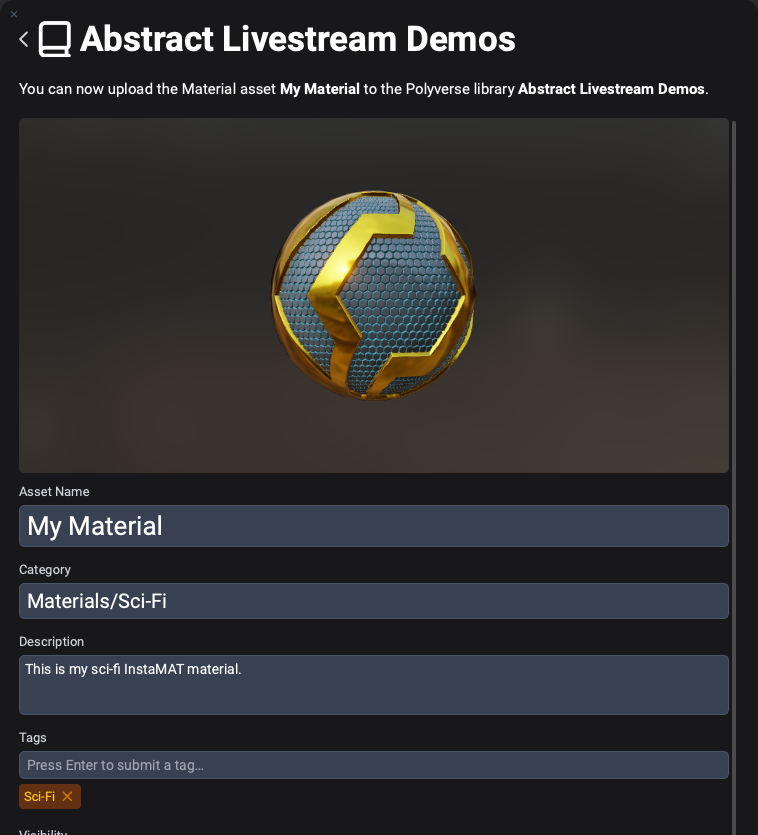
- Provide the information for the material and configure its visibility and asset settings below.
- At the bottom, click
Upload assetto upload the asset to Polyverse.
Once InstaMAT finishes uploading the material, it will provide a shareable direct link to the material's asset page. Click it to open the asset in your default web browser.
By default, Polyverse assets need to be published to share with others who do not already have access to the destination asset library. To publish an asset, visit the asset's page on Polyverse and click the green rocket button.