
¶ Interface Overview
The following is an overview of the available parameters:
- Opacity: Sets the intensity of the effect.
- High Pass Filter: When enabled, a High Pass filter can be used to filter out lower frequencies from the input image.
- High Pass Radius: Sets the frequency radius for the High Pass filter.
- Luminance Match: Allows control over the luminance values of the input image.
- Hue Match: Allows control over the hue values of the input image.
- Chroma Match: Allows control over the chrominance values of the input image.
Color equalization occurs before many of the materialization processes and will influence how the material's PBR maps will be generated.
¶ Equalizing the Input Image
The Input Color Equalizer settings provide specific control over the input image's luminance, hue, and chroma values. The following is an example of before and after the effect is applied:
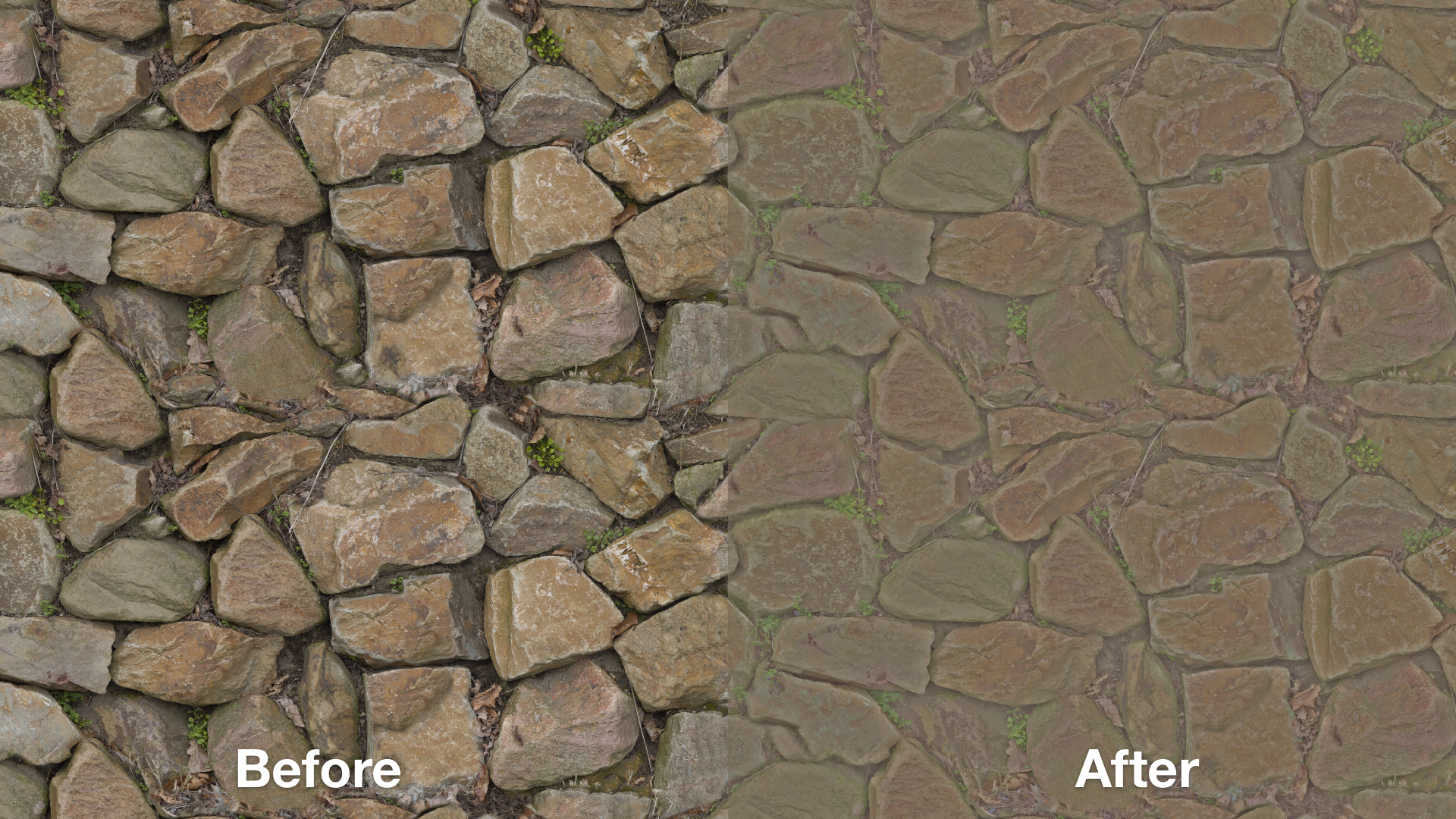
The
Input Color Equalizersettings can be used in conjunction with the Materialize Image project's Base Color Shadow Cancellation settings to remove the highlights and shadows from the input image.